
 Have you been thinking of starting a YouTube channel? Or perhaps you’ve already picked up your camera. Jules from The Giggles Family is starting the conversation on staying safe on YouTube.
So many bloggers are adding to their creative bow by turning their hand to making YouTube videos. Before you start sharing your life on film, have you thought about what precautions you and your family need to take to do it safely?
Its rare to hear of anything negative happening to YouTubers sharing their videos online, however, it does happen. I don’t want to be in that small percentage, and I don’t want you to be in it either.
YouTube is about making a connection with your audience. Helping them to feel they are having a chat with a mate. Whilst most would be respectful that you have a private life, this isn’t always the case. Pro YouTubers such as Zoe Suggs had fans turn up at her home address, shouting outside and ringing her doorbell, thinking it was fine to expect a chat. Now its only a small percentage of YouTubers that accrue her level of fame, but with good content it doesn’t take long to build thousands of subscribers. That’s thousands of people learning the details of your life and your family. It makes sense to take care.
As a military family, safety through our YouTube videos, was one of the first things we considered. Here are our top 5 tips to ensure you and your family stay safe online.
1. Your Childs Information
Be careful about sharing their nursery/school name. A lot can be gleaned from a school uniform badge in your photos or videos. Worst case scenario (so lets not panic here) some oddbod could know their name, and enough details from your videos about you to turn up at the school. It also tells them where you will be at the end of the school day to follow you home.
2. Which Leads Us On To Your Home
We personally choose not to film the front of our house or even on our street. By knowing what the outside of your home looks like, all a stranger needs to work out is your village or street name to find you on Google earth.
Consider whether there are some windows that could be in shot, showing your street. For example I try not to have our one of our downstairs windows in shot behind me.
3. Your Car
If you’re a person who goes out and about or if you’re reviewing for example a pushchair or car seat, you will end up showing a bit of your car. Take care though not to show your number plate. Numbers plates can be traced. Most YouTubers appear to be careful about the angle outside their car.
4. Sharing When You are Away or When You Are Alone
I have shared that my husband is away 5 days a week online because otherwise my life wouldn’t make sense when I vlog. However due to doing that I am even more careful about the above points. If I had shared my village name, what my house looks like etc and then said I am home alone all week, that’s inviting trouble in. I have seen other YouTubers do it and it makes me worry for them. To protect your home, share that holiday retrospectively, rather than before for example.
5. Address
For many of us, if we do reviews or accept payments we need to share our address. We occasionally have viewers ask our address so they can send letters, particularly for our son.
Even some registered URLs can be traced to an address. It could be fairly easy for someone to actually be from a bogus company, or even an over excited fan, to get your address if you don’t fully check them out. And lets be honest, between your trying to finish one of your draft blog ideas, chasing after a toddler with a nappy and organising your family, its hard to have the time to check into the background of every email.
We chose to set up an office address.. I looked into PO box addresses but they were super expensive. A cheaper alternative is renting a “Virtual tenancy” where a business office agrees to accept your post. They can either forward it to you or you can go and collect it.
I hope that has helped you think about how you and your family could be safe online. YouTube is such a fun place to express yourself, get creative and immerse yourself in anther friendly community. I believe it can add an exciting dimension to your blog. By taking care to do it safely, you can relax in doing so. You never know, one day you may be an uber famous YouTuber, and you may not want hundreds of fans knocking on your door!
Do you have any other online safety advice?
Do you think I am being over the top or not cautious enough?
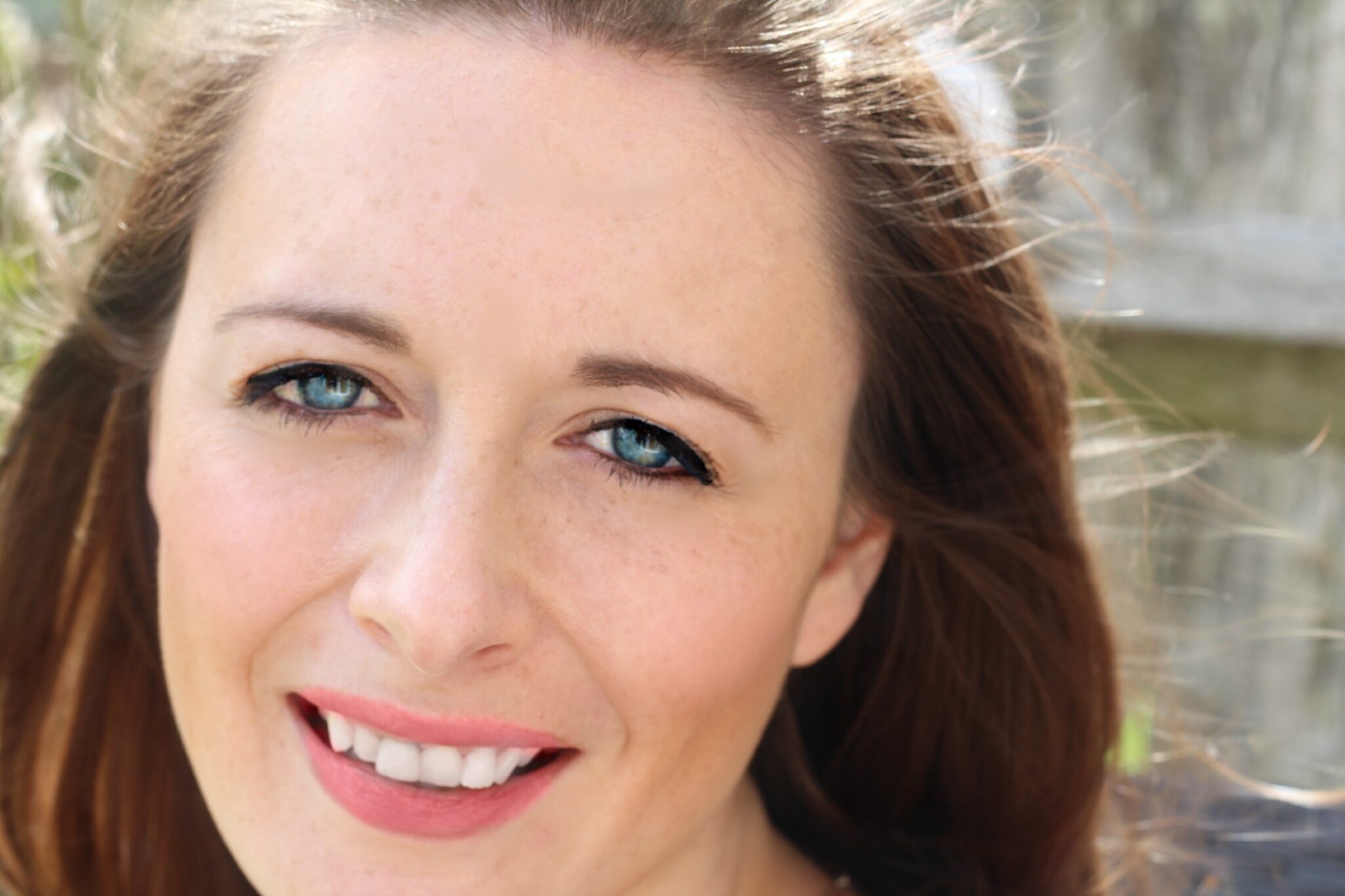 Jules writes at TheGigglesFamily.com and vlogs weekly over at her YouTube channel. It covers life with a baby and a soldier, using creative editing skills to catch the little moments to remember and to show her husband when he has been away with the army. She’s accrued a loyal audience and recently the channel was featured on CNN. Twitter: @thegigglesblog

About
BritMums is the UK’s original collective of lifestyle bloggers and digital influencers, fueling the country’s most influential social content. We lead the online conversation with members who are parent social influencers creating content on topics ranging from food, parenting, travel, politics, style and more.
Ellen
Tuesday 21st of July 2015
Great tips, I started adding to my you tube channel last year but got put off by my pet stalker, I do miss it though
Angela Oldroyd
Wednesday 8th of July 2015
Thanks for this advice. My 7yo's very into making videos and is keen to set up a Youtube channel, but so far I've managed to dissuade her, so this is very helpful.
Kate Davis
Monday 25th of May 2015
Thank you for the tips. I've been looking into getting an alternative address, but having been find it easy. I was surprised at how expensive PO Boxes are so I started to looking for a virtual office but haven't found any that do just mail yet. Do you have any tips?
JuggleMum, Nadine Hill (@Businessmum)
Friday 15th of May 2015
Good to be aware of your safety online. Thanks for this information Jules. I myself share holidays retrospectively rather than in real time (unless it's a blogger trip and i'm leaving the rest of my family at home and therefore the house is occupied!)
For vloggers- Don't forget to share any videos you do with me for the monthly BritMums Video Round-up! Just email me or tweet to @Businessmum to get your vlogs featured!